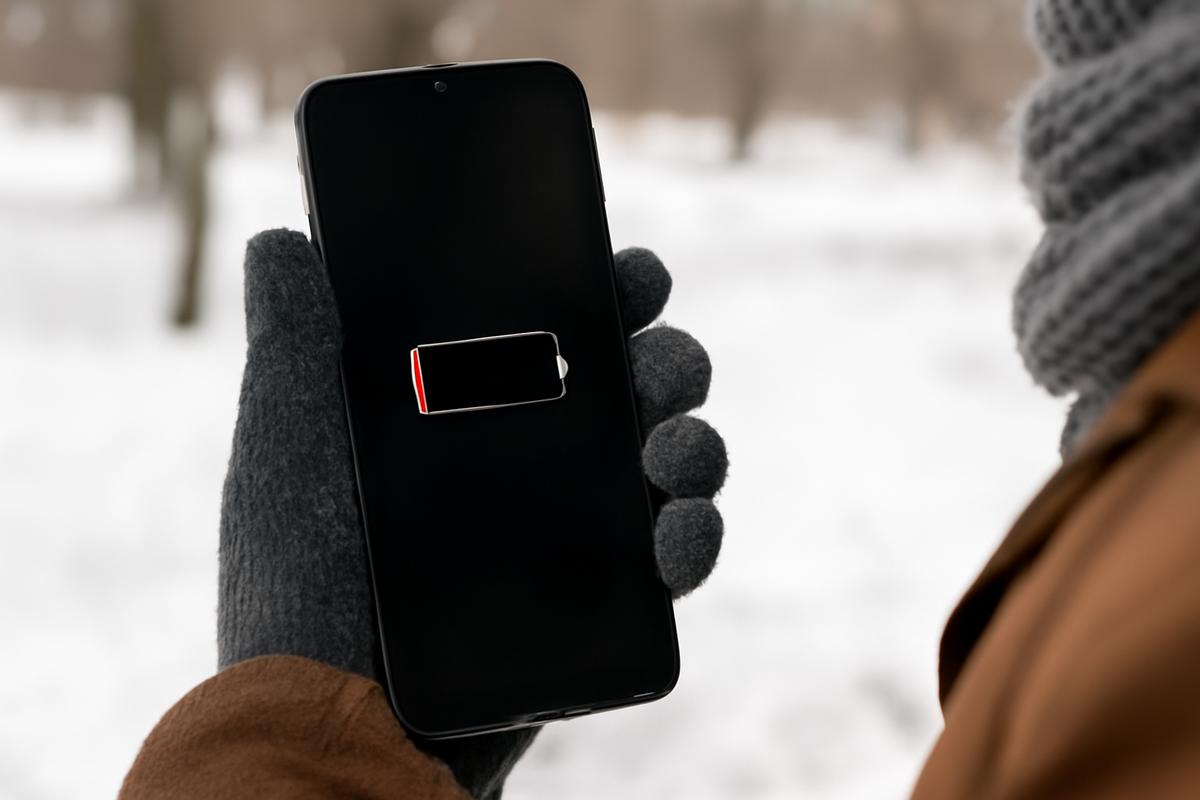
The first time your phone died on a cold winter day, it probably felt a little personal. One moment you were mapping your way through a snow-dusted city, or trying to snap a photo of the first flakes drifting down in the late afternoon light—and the next, your screen went black. No warning. No dramatic slow fade. Just… off. You pressed the button once, twice, thumb growing colder with each attempt, but the phone stayed stubbornly unresponsive. The air around you felt sharper then, quieter. It was as if winter itself had reached into your pocket and flicked your world to silent.
The Day Winter Ate Your Battery
Imagine this: you step outside on a bright January morning. The sky is that washed-out blue that only appears when the air is cold enough to sting your nose. You tuck your phone into your coat pocket, fingers already chilled from answering a few messages inside. It says 78%—plenty of battery to get through your walk, your commute, your errands.
By the time you’ve reached the bus stop, your breath puffing like steam, you pull your phone out to check the time. The percentage has dropped to 41%. Huh. That’s… odd. The bus is delayed, so you pass the time scrolling, snapping a quick photo of the frost on the window. Three minutes later, your phone vibrates, then goes dark. A small red battery icon flashes apologetically and disappears.
You stand there, listening to the rumble of distant traffic and the crunch of salt under other people’s boots, staring at a blank screen that, not long ago, felt like a portal to everything. Did you forget to charge it? Is your battery dying? Is your phone too old? The answer is simpler and more elemental than that: it’s the cold.
But the truth is, the cold isn’t just “draining” your battery the way a demanding app might. Winter changes the way the tiny electrochemical heart inside your phone works, the way ions move, the way energy flows. When the air turns raw and biting, your phone doesn’t just feel the weather—it suffers from it.
The Invisible Chemistry Inside Your Pocket
Inside your sleek, glass-and-metal rectangle, tucked away where you’ll never see it, is something surprisingly unglamorous: a lithium-ion battery. It’s not magical. It’s not mysterious. It’s a quiet factory, turning chemical potential into electrical energy, minute by minute, as you text, stream, photograph, and scroll.
Every time your phone powers up, tiny charged particles called ions slip back and forth between two layers inside the battery: the anode and the cathode. They travel through a medium called the electrolyte, like commuters moving through a crowded underground tunnel. This movement of ions is what creates the electric current that keeps your screen lit and your apps alive.
Now imagine that tunnel filling with slush and ice. People aren’t walking as quickly anymore, are they? They’re shuffling, slipping, piling up near the entrances. In the world of your battery, that’s what cold does. Low temperatures slow down the movement of lithium ions. The electrolyte becomes more viscous, the chemical reactions less eager.
In other words, your battery doesn’t actually hold less energy in the cold—but it has a harder time delivering that energy. The ions can’t travel as swiftly or as efficiently, so your phone’s electronics “see” a weaker battery than the one that exists at room temperature. Your device reads this as a sharp drop in available power, and to protect itself, it may simply shut down.
It’s a bit like watching a runner trying to sprint through knee-deep snow. They might be just as strong, just as trained, just as capable—but in those conditions, they can’t perform the way they do on a clear track.
Cold Air, Hot Demands
Winter doesn’t just slow your battery down—it also makes your phone work harder in subtle ways. When you step outside into the crisp air and your fingers immediately curl into your sleeves, your phone is quietly fighting its own battle.
Your screen, bright and luminous against the grayness, is one of the biggest power-hungry components of your device. In the cold, you often crank up that brightness to compete with the glint of snow and the low, slanting sun. Your camera, that ever-ready documentarian of frosted trees and warm-lit windows, is another greedy customer. High-resolution photos, video, slow-motion clips of your breath or your dog’s paws punching through the powder—it all nudges your phone to draw more power.
Meanwhile, if you’re out in the open, your phone might also be struggling to maintain a strong signal, especially in more remote or weather-affected areas. A weak cellular connection makes your device boost its radio power to stay connected, quietly burning through energy that, in warmer weather, might have lasted all afternoon.
So now you’ve got a winter trifecta: a battery whose chemistry has literally slowed down, a screen and camera that demand more power, and a network connection that might be making your phone work overtime. You’re using your phone the same way you always do, but the conditions have changed underneath you.
Why the Percentage Jumps (And Lies) in the Cold
One of the most unsettling winter phone moments is watching your battery jump from 40% to 10%, or even to zero, in what feels like a matter of seconds. It’s like watching the fuel gauge in your car fall from half a tank to empty after you hit a patch of icy road.
Your phone uses a combination of voltage readings and software predictions to estimate how much battery you have left. Under normal conditions, this system is fairly reliable. But add cold into the mix and things get trickier.
As the temperature drops, the internal resistance of your battery increases. This means it takes more effort—more voltage—to push current through it. Under heavy use, especially in the cold, the voltage can dip faster and more dramatically. Your phone interprets this voltage drop as a sign that the battery is nearly empty, even if, chemically speaking, there’s still charge left.
So that “40%” you saw before you stepped outside? It was true, but only in a warmer, easier world. Out in the wind, the rules change, and the software recalculates based on harsher realities. When you bring your silent, seemingly dead phone back indoors and, a few minutes later, it flickers back to life with a bit of battery left—that’s the chemistry warming up, ions loosening, the internal resistance falling again.
It feels almost like a trick, but really it’s just physics doing what physics does, while your phone’s software scrambles to keep up, like a weather forecast that can’t quite match the sky outside your window.
The Narrow Comfort Zone of Modern Batteries
Lithium-ion batteries are picky about temperature. They’re happiest in the same range that most people prefer indoors: roughly 20–25°C (68–77°F). They can function above and below that, but their performance and long-term health begin to shift.
In cold weather, it’s not just performance in the moment that’s at stake. Charging a lithium-ion battery at very low temperatures can, over time, damage its internal structure. If you’ve ever plugged in your phone in a frigid car and noticed that it charges very slowly—or not at all—that’s not a glitch. Many devices deliberately limit charging in the cold to avoid plating lithium onto the anode, a process that can permanently reduce battery capacity.
So winter isn’t merely inconvenient for your phone. It’s something your device is actively trying to survive without long-term harm. It’s pacing itself, conserving, holding back.
How Much Does Winter Really Steal From Your Battery?
The effect of cold weather on battery life isn’t just a feeling—it’s measurable. Studies and tests by manufacturers and independent labs have shown that at temperatures near freezing (0°C / 32°F), a lithium-ion battery can temporarily lose 20–40% of its usable capacity. Push the temperature lower—say, into the realm of bitter windchills and icy mornings—and that drop can become even more dramatic.
Of course, not every winter day is the same. Your phone might behave differently on a damp, hovering-around-freezing afternoon than it does on a bright, dry, deep-freeze kind of day. How heavily you’re using it matters too. GPS navigation in the cold while you’re walking through a city? Heavy battery drain. Listening to downloaded music in your pocket while it stays relatively warm against your body? Much less intense.
Yet the pattern is there: in winter, the same battery suddenly feels smaller. Your routines, the ones that worked fine in June, start failing you in January. The walk that used to leave you with 65% now deposits you home at 18%, nervously watching the icon as you fish for your keys.
| Condition | Approx. Temperature | Typical Effect on Battery |
|---|---|---|
| Comfortable indoors | 20–25°C (68–77°F) | Normal performance, rated capacity |
| Cool autumn day | 5–15°C (41–59°F) | Slightly reduced performance, mostly unnoticeable |
| Typical winter day | -5–5°C (23–41°F) | 20–30% apparent capacity loss, faster drop under heavy use |
| Deep freeze | Below -5°C (23°F) | Significant capacity loss, risk of sudden shutdown, slower or blocked charging |
It’s worth remembering that this lost capacity isn’t exactly gone; it’s locked away, trapped behind sluggish chemistry. Warm the battery back up, and much of that “lost” power returns. But in the moment, in the middle of that snowy sidewalk or on that freezing chairlift, your phone can’t access it—and to you, that’s all that matters.
Keeping Your Phone Warm Without Babying It
So what do you do with this knowledge? You can’t hibernate through winter, and most of us can’t leave our phones tucked safely on a charging stand until spring. The point isn’t to panic about the cold; it’s to work with it, the way you do when you pull on a coat or wrap a scarf around your neck.
Start with the simplest strategy: keep your phone close to your body. A pants pocket, an inner jacket pocket, a zipped compartment inside your coat—anywhere it can share some of your heat. The difference between a phone sitting in an exposed bag and one resting against your hip can be the difference between a late-afternoon shutdown and a comfortable, predictable battery drain.
If you know you’ll be outside for a long time—hiking, skiing, working, waiting for wildlife—consider minimizing how often you pull your phone out. Every time it meets the cold air, the battery temperature drops. Cluster your tasks: check your map, adjust your playlist, answer messages, then slip it back into its warm pocket.
And if you’re traveling somewhere especially frigid, an external battery pack can be a quiet lifesaver. Keep that power bank warm too, if you can, and plug in before your phone gets critically low. Batteries tend to cope better when they’re not pushed to their extremes.
Little Habits That Make a Big Difference
There’s another layer to this story: how you ask your phone to behave in the cold. Think of it as giving your device winter-appropriate clothing, not just a place to hide from the wind.
Lower your screen brightness when you can, especially if the snow-glare isn’t too intense. Turn on battery saver mode before your percentage gets frightening, not after. Close out of high-drain apps you’re not using: navigation apps when you’ve stopped moving, graphics-heavy games, constant video streaming on a slow, cold network.
When you head back indoors, resist the urge to immediately plug in a phone that feels like an ice cube. Let it warm up slowly to room temperature first. Charging a very cold battery is a bit like forcing someone to sprint right after they come in from a blizzard—you might get away with it, but it’s kinder and safer to give it a few minutes to adjust.
These aren’t heroic changes. They’re the same kinds of small adjustments you make for yourself in winter without thinking, like switching to thicker socks or drinking something warm before you step out again.
Winter as a Gentle Reminder
In a way, winter’s effect on your phone is a quiet lesson about how physical our digital lives still are. For all the talk of clouds and streams and invisible connections, there’s a real, humming, vulnerable battery at the center of your attention, reacting to the same air that chills your hands and steams your breath.
When your phone dies faster in the cold, it’s not a moral failing or a betrayal of brand loyalty. It’s the natural limit of materials pushed into the margins of their comfort zone. Lithium ions don’t hurry just because you have a train to catch or a photo to post. Electrolytes don’t thin out just because there’s a sale you might miss or a message waiting in a distant server.
And maybe, in that moment when your screen finally goes dark and stays that way, there’s a sliver of opportunity. A pause. A chance to listen to the soft hiss of snow under your boots, to look up at the low sky, to notice the small plumes of warm air escaping from every doorway. Your phone will wake again when it’s ready—when it’s warm enough, when the ions can dance as freely as they do on a summer night.
Frequently Asked Questions
Why does my phone shut off even when the battery is above 20% in winter?
In cold temperatures, the internal resistance of your battery increases and the movement of lithium ions slows down. Under load—like using the camera or data—the voltage can drop suddenly, and your phone interprets that as a nearly empty battery. To protect its internal components, it may shut down even though some charge remains chemically available.
Is the cold permanently damaging my phone battery?
Short-term exposure to cold generally causes temporary performance loss rather than permanent damage. However, repeatedly charging a very cold battery can harm it over time. The main risk comes from charging below recommended temperatures, not from simply being out in the cold for a few hours.
Why does my phone battery come back after I warm it up?
When your phone warms back up, the battery chemistry becomes more active again. Internal resistance drops, ions move more easily, and the voltage stabilizes. Your phone then recalculates the remaining charge based on these warmer conditions, which is why you often see some battery percentage “return.”
Is it bad to leave my phone in the car during winter?
Yes, it’s not ideal. Cars can become extremely cold when parked, pushing your battery well outside its comfort zone. Repeated cycles of freezing and reheating may stress the battery over the long term. If possible, take your phone with you or keep it in a warmer part of the vehicle.
What’s the safest way to charge my phone in winter?
Let your phone warm up to room temperature before charging if it feels very cold. Avoid charging outside in freezing conditions or in an unheated car. When in doubt, keep the device indoors, out of direct drafts, and away from heaters or extreme temperature swings.
Do all phones handle cold weather the same way?
Not exactly. Different phones use different battery chemistries, capacities, and power management systems. Some models are better optimized for extreme temperatures, but all lithium-ion batteries share the same basic sensitivity to cold. Even the toughest devices will still see shortened battery life in winter conditions.
Can a battery case or power bank help in cold weather?
Yes. A battery case can add both insulation and extra capacity, giving your phone a bit more resilience against the cold. A power bank, kept warm in a pocket or bag, provides backup power when your main battery struggles. Just remember that these external batteries are also affected by low temperatures, so try to keep them relatively warm too.

Hello, I’m Mathew, and I write articles about useful Home Tricks: simple solutions, saving time and useful for every day.